sana44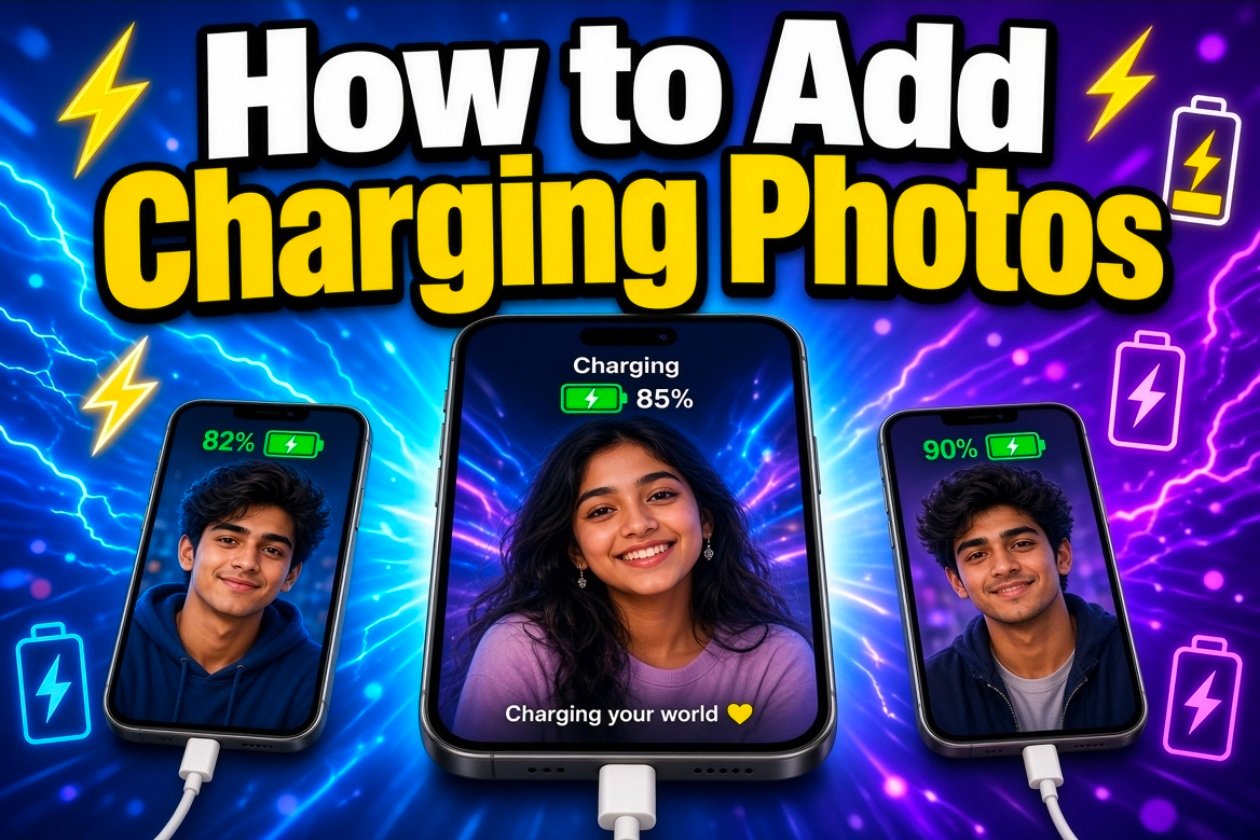
How to Add Charging Photos: Show Battery Charging Animation from 0% to 100% in 5 Minutes 🔋
Want to make your phone photos look more interesting with a charging battery effect? In this guide, you’ll learn how to add a realistic battery charging animation to a photo and create a visual effect that shows the battery charging from low power to 100%.
This type of battery charging effect is popular for TikTok videos, Instagram Reels, YouTube Shorts, thumbnails, wallpapers, and other social media content.
«Important: A photo or animation can create the appearance of a battery charging to 100%. It cannot actually charge your phone battery from 0% to 100% in 5 minutes.»
What Is a Battery Charging Photo Effect?
A battery charging photo effect adds a digital battery icon, charging symbol, percentage indicator, or animation to an image.
For example, you can create an image showing:
🪫 1% → 🔋 25% → 🔋 50% → 🔋 75% → 🔋 100%
You can also add a charging cable, lightning icon ⚡, glowing battery, or charging screen to make the result look more realistic.
How to Add a Charging Battery Effect to a Photo
Follow these simple steps:
Step 1: Choose Your Photo
Select the photo you want to edit. A clear image with good lighting will usually produce a better-looking result.
You can use:
– Smartphone photos
– Portrait photos
– Product photos
– Wallpapers
– Social media pictures
– YouTube thumbnail images
Step 2: Add a Battery Icon
Open your preferred photo or video editing application and import your image.
Add a battery icon or charging graphic on top of the photo. You can use an empty battery 🪫, partially charged battery 🔋, or a 100% battery symbol.
Step 3: Add the Charging Percentage
Add percentage text to make the effect more convincing.
For example:
Charging… 10%
Then:
Charging… 50%
And finally:
Charging… 100%
Use a clean and bold font so the percentage is easy to read.
Step 4: Add the Lightning Symbol
Add a lightning symbol such as ⚡ next to the battery icon.
You can also add text such as:
Fast Charging ⚡
or
Super Fast Charging 🔋⚡
Step 5: Create the 5-Minute Charging Effect
If you are making a video, create several scenes showing the battery percentage increasing.
A simple sequence could be:
– 0–1 minute: 10%
– 1–2 minutes: 30%
– 2–3 minutes: 50%
– 3–4 minutes: 80%
– 4–5 minutes: 100%
This creates the visual impression that the battery reaches 100% within five minutes.
Again, this is only a visual editing effect, not a real phone-charging method.
How to Make the 100% Battery Effect Look Real
For a professional result, consider adding:
– 🔋 Battery icon
– ⚡ Lightning symbol
– Green charging glow
– “100%” percentage
– “Charging Complete” text
– Charging cable
– Glow around the battery
– Smooth animation
– Sound effects
A subtle glow and smooth percentage transition can make the final result look much more realistic.
Best Text for a Charging Photo
You can use one of these phrases:
🔋 Battery Charging… 100%
⚡ Fast Charging — 100%
🔋 Charging Complete
⚡ Super Fast Charge
100% Battery Full 🔋
Can a Phone Really Charge to 100% in 5 Minutes?
For most smartphones, no. Charging speed depends on the phone, charger, battery capacity, charging protocol, temperature, and other factors.
Some modern smartphones support very fast charging, but you should only use a compatible charger and charging system recommended for your device.
Never rely on an edited photo or viral video claiming that a visual trick can physically charge a battery.
Why Use a Battery Charging Effect?
Battery charging effects can be useful for:
– TikTok videos
– Instagram Reels
– YouTube Shorts
– Tech tutorials
– Smartphone advertisements
– Thumbnail designs
– Photo editing
– AI-generated images
– Creative wallpapers
SEO-Friendly FAQs
How do I add a charging battery to a photo?
Import your photo into a photo or video editing application, add a battery graphic, and place a percentage indicator and charging symbol over the image.
How can I show 100% battery on a picture?
Add a battery icon and text such as 100% 🔋 or Charging Complete to your image.
Can I make a battery look like it is charging?
Yes. You can create a visual charging effect by using different battery percentage images or by animating the battery percentage in a video editor.
Can a phone charge to 100% in 5 minutes?
Usually not. Actual charging speed depends on the phone and its charging technology. A photo or video effect does not increase real charging speed.
Final Thoughts
Adding a charging battery effect to photos is a simple way to create eye-catching content for social media. You can combine a battery icon, percentage indicator, lightning symbol, glow, and animation to create a professional 0% to 100% charging effect.
If you are creating a video that shows 100% battery in 5 minutes, make sure it is clearly presented as a visual or editing effect rather than a claim that the phone can physically charge that quickly.