sana44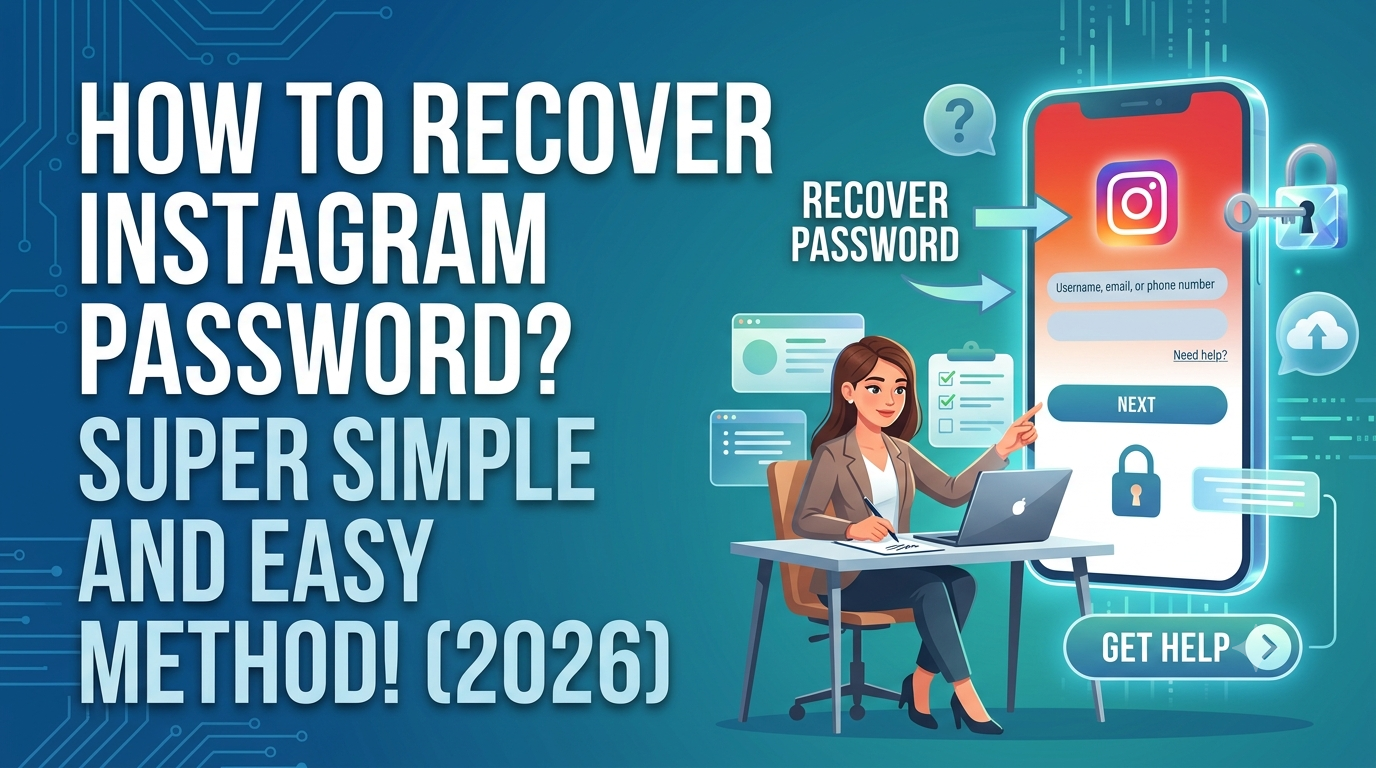
Introduction
Forgot your Instagram password and can’t log in to your account? Don’t worry. Recovering an Instagram password is usually simple if you still have access to the email address, phone number, or login information connected to your account.
In this guide, we’ll explain how to recover an Instagram password in 2026 using Instagram’s official recovery options. The steps work for most Android phones, iPhones, tablets, and computers.
Whether you forgot your password, changed your phone, or are having trouble accessing your account, follow the methods below.
How to Recover Instagram Password in 2026
The easiest way to recover your Instagram account is through the Forgot password? option on the Instagram login screen.
You generally need one of the following:
- Your Instagram username
- Your registered email address
- Your phone number
- Access to the email or phone number associated with the account
Method 1: Recover Instagram Password Using Your Username
This is one of the easiest methods if you remember your Instagram username.
Step 1: Open the Instagram app.
Step 2: Go to the login screen.
Step 3: Tap Forgot password? or the available password-recovery option.
Step 4: Enter your Instagram username.
Step 5: Follow the recovery instructions shown by Instagram.
Step 6: If Instagram offers email or SMS recovery, choose an option you can access.
Step 7: Use the recovery link or code provided by Instagram.
Step 8: Create a new, strong password.
After completing the process, try logging in with your new password.
Method 2: Recover Instagram Password Using Email
If your Instagram account is connected to an email address, email recovery can be convenient.
- Open Instagram’s login page.
- Select Forgot password?
- Enter your email address.
- Follow the instructions Instagram provides.
- Check your email inbox and spam/junk folder.
- Open the legitimate Instagram recovery message.
- Follow the password-reset instructions.
- Create a new password.
Important: Don’t enter your Instagram password into websites claiming to recover your account. Use Instagram’s official recovery process.
Method 3: Recover Instagram Password Using Your Phone Number
If your phone number is linked to your Instagram account, you may be able to receive a recovery code or login link.
Steps:
- Open Instagram.
- Select the password recovery option.
- Enter your phone number when requested.
- Choose the available SMS recovery option.
- Check your phone for the verification code or recovery instructions.
- Enter the requested information.
- Set a new password.
Make sure you enter the correct country code when required.
For users in India, this may involve selecting India (+91) before entering the mobile number.
How to Reset Instagram Password While You Are Logged In
You don’t necessarily need to log out of Instagram to change your password.
If you can still access your account:
- Open Instagram.
- Go to your profile.
- Open the menu.
- Go to Accounts Center.
- Open Password and security.
- Select the option to change your password.
- Choose your Instagram account.
- Enter the required password information.
- Create and save your new password.
Instagram’s interface can change over time, so the exact wording or location of a setting may vary between app versions.
What If I Forgot Both My Instagram Username and Password?
Don’t panic.
Try recovering your account using the email address or mobile number associated with it.
You can also check:
- Old Instagram emails
- Saved passwords in your browser
- Your phone’s password manager
- Google Password Manager
- Apple Passwords
- Other password managers you previously used
If you previously saved your Instagram login information, you may be able to retrieve it from your device’s password manager instead of resetting the password.
What If I Don’t Have Access to My Email or Phone Number?
This situation is more complicated, but Instagram provides account-recovery options for people who cannot access their usual recovery method.
Start from Instagram’s official login and account-recovery flow and follow the options available for your account.
Instagram may ask for additional information to help verify account ownership.
Important Security Tip
Never pay an unknown person who claims they can “hack” or “recover” your Instagram account.
Avoid services promising:
- Guaranteed Instagram recovery
- Password extraction
- Hacking services
- Instant account access
- Recovery without verification
These services can be scams and may put your personal information at risk.
How to Recover a Hacked Instagram Account
If you believe someone has changed your Instagram password or taken control of your account, use Instagram’s official hacked-account recovery process.
Look for Instagram’s account recovery / hacked account options from the official Instagram or Meta help resources.
You may need to verify that you own the account.
Signs Your Instagram Account May Have Been Hacked
Watch for unusual activity such as:
- Your password suddenly stops working.
- Your email address has changed.
- Your phone number has changed.
- Unknown posts appear on your profile.
- Messages are sent without your knowledge.
- You receive unexpected security alerts.
- You notice unfamiliar login activity.
If you still have access to the account, change your password immediately and review your account’s security settings and logged-in sessions.
How to Create a Strong Instagram Password
After recovering your account, don’t use an easy password such as:
12345678password123- Your name
- Your birthday
- Your mobile number
Instead, create a long and unique password.
A good password should:
- Be difficult to guess
- Be unique to Instagram
- Avoid personal information
- Preferably be stored in a reputable password manager
Using a different password for every important online account can also reduce the impact of a password leak elsewhere.
Enable Two-Factor Authentication on Instagram
After recovering your account, consider enabling two-factor authentication (2FA).
Two-factor authentication provides an additional security layer beyond your password.
Depending on the options available to your account and region, Instagram may support authentication methods such as an authentication app or other verification methods.
Why 2FA Is Important
Even if someone discovers your password, an additional authentication step can make unauthorized access more difficult.
How to Avoid Losing Your Instagram Account Again
Follow these simple security habits:
1. Keep Your Email and Phone Number Updated
Make sure your account recovery information is current.
2. Never Share Verification Codes
Don’t give login or security codes to people who contact you unexpectedly.
3. Avoid Fake Instagram Login Pages
Scammers may create websites that look similar to Instagram.
Always check the website address before entering sensitive information.
4. Don’t Install Unknown Apps
Avoid applications that claim to reveal Instagram passwords, private messages, or hidden account information.
5. Review Account Security Regularly
Periodically check your security and login settings for unfamiliar activity.
Instagram Password Recovery on Android
If you’re using an Android smartphone:
- Open the Instagram app.
- Go to the login screen.
- Select Forgot password?
- Enter your username, email, or phone number.
- Follow the recovery instructions.
- Verify your account using the available method.
- Create a new password.
- Log in again.
Keep the Instagram application updated through the official Google Play Store.
Instagram Password Recovery on iPhone
The process is similar on iPhone:
- Open Instagram.
- Go to the login screen.
- Select the password recovery option.
- Enter your account information.
- Follow Instagram’s instructions.
- Verify your identity if requested.
- Create a new password.
- Sign in again.
Keep iOS and Instagram updated for the latest security improvements and features.
Instagram Password Recovery on PC
You can also recover your Instagram account from a computer.
Open Instagram’s official website and use the login page’s password recovery option.
Enter your username, email address, or phone number and follow the instructions provided.
If the website asks you to enter sensitive information, make sure you’re using the official Instagram website rather than a third-party recovery service.
Why Am I Not Receiving the Instagram Password Reset Email?
If the reset email doesn’t appear, try these steps:
Check Your Spam or Junk Folder
The message may have been filtered automatically.
Confirm Your Email Address
Make sure you entered the correct email address associated with your account.
Try Your Username or Phone Number
If email recovery isn’t working, another recovery option may be available.
Wait and Try Again
Repeatedly requesting recovery messages in a short period may make the process confusing. Follow the instructions shown by Instagram and try again later if necessary.
Why Am I Not Receiving the Instagram SMS Code?
If you don’t receive an SMS:
- Check that your phone has network coverage.
- Confirm that you entered the correct phone number.
- Check whether SMS messages are being blocked.
- Try another available recovery method.
- Follow Instagram’s account-recovery instructions.
Never share a verification code with another person.
Frequently Asked Questions
How do I recover my Instagram password?
Tap Forgot password? on the Instagram login screen and follow the recovery instructions using your username, email address, or phone number.
Can I recover my Instagram password without my old password?
Yes. If Instagram can verify your account through an available recovery method, you can generally reset the password without knowing the old one.
Can I recover Instagram using my mobile number?
If the number is linked to your Instagram account and the recovery option is available, you may be able to use SMS or another verification method.
What if I forgot my Instagram email and password?
Try your Instagram username or phone number. You can also check saved passwords on your phone, browser, or password manager.
Can I recover a hacked Instagram account?
Yes, Instagram provides account-recovery processes for compromised accounts. Use Instagram’s official recovery options and follow the verification steps provided.
Is there an app that can reveal my Instagram password?
You should not trust apps claiming they can reveal an Instagram password. Such applications can be unsafe and may attempt to steal your account credentials.
How long does Instagram password recovery take?
It depends on the recovery method and whether Instagram needs additional verification. Some users can reset their password quickly, while account-recovery cases requiring additional verification may take longer.
Final Words
For anyone searching “How to Recover Instagram Password?”, the safest and simplest answer is to use Instagram’s official password-recovery system.
Whether you’re using Android, iPhone, or PC, start from the Instagram login screen and use the Forgot password? option. If you no longer have access to your email or phone number, follow Instagram’s official account-recovery process rather than relying on third-party “Instagram password recovery” services.
After regaining access, create a strong unique password, secure your recovery information, enable two-factor authentication, and keep your account security settings up to date.
Remember: Never share your Instagram password, verification code, or recovery link with anyone.
SEO Keyword Ideas for This Article
- how to recover Instagram password
- how to reset Instagram password
- forgot Instagram password
- Instagram password recovery
- Instagram password reset
- recover Instagram account
- Instagram account recovery 2026
- how to recover Instagram password without email
- how to recover Instagram password with phone number
- Instagram password recovery India
- Instagram account hacked recovery
- forgot Instagram password and email
- Instagram password reset not working
- how to change Instagram password
- Instagram 2FA security
Suggested SEO Tags
Instagram Password Recovery, Instagram Password Reset, Instagram Account Recovery, Forgot Instagram Password, Instagram Security, Instagram 2026, Instagram Tips, Social Media Tips